
Help · Getting started
Create your account
Creating your account takes three short steps: Couple, Design and Account. It's free, and no credit card is needed to start.
1. Tell us about the two of you.
Go to selovera.com/get-started. In the Couple step, fill in Bride Name, Groom Name, Wedding Date and Venue Name. Tick Start with a beautifully filled-out example invitation if you'd like sample texts and photos to work from. Your names, date, venue, design and languages are kept. Click Next.
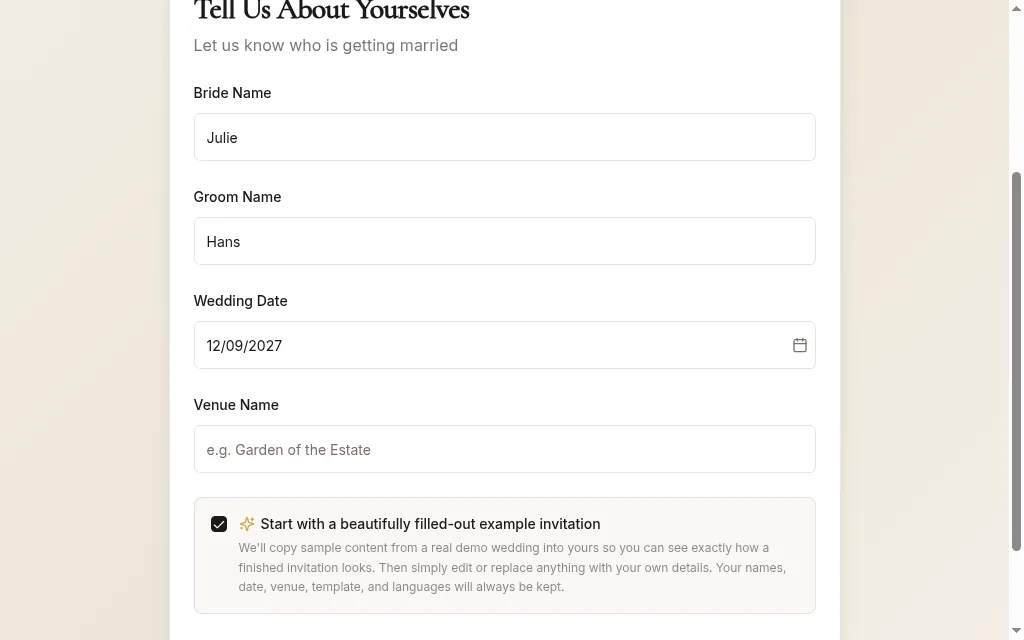
Get-started step Couple, filled in with Julie & Hans 2. Pick a design and your languages.
In Design & Language, choose a Template Style and tick one or more Invitation Language options. You can change both later. Click Next.
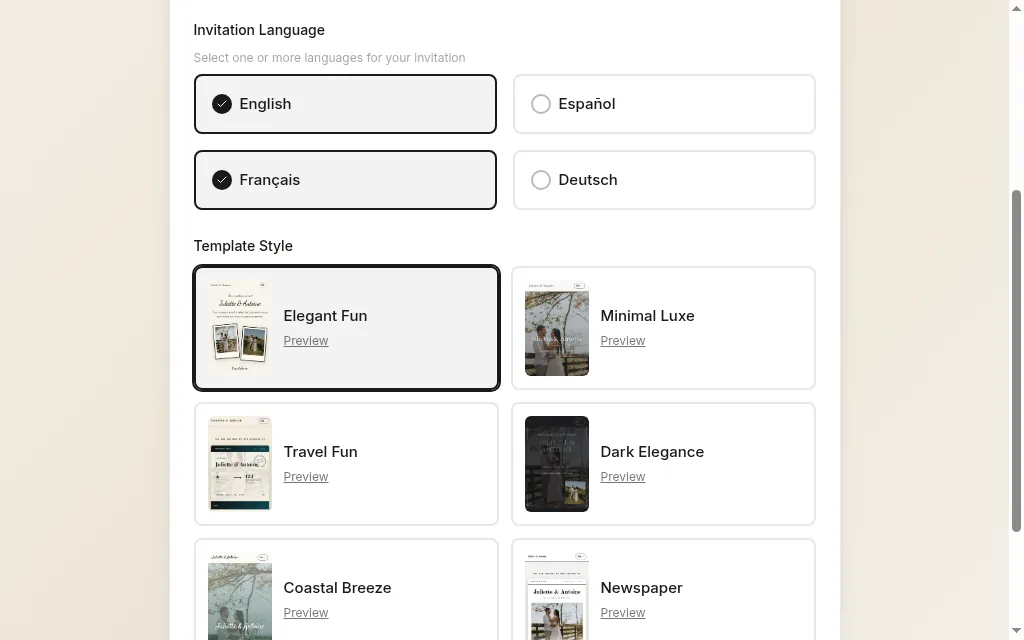
Step Design and language, with a design and languages selected 3. Create your account.
Enter your Email Address, a Password (at least 6 characters) and Confirm Password, then click Create Account & Get Started. Or use Continue with Google.
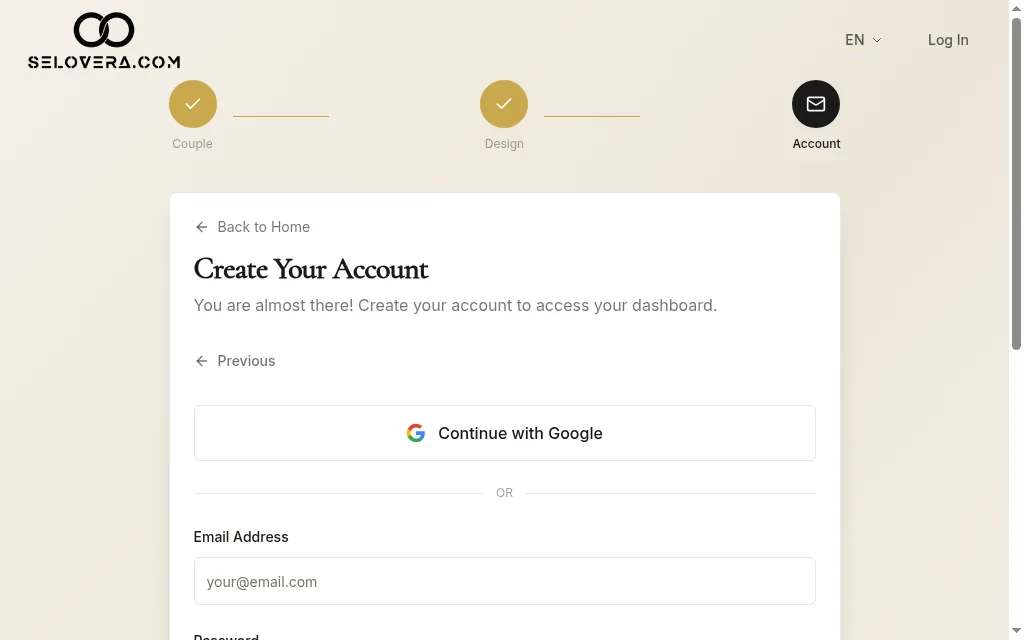
Step Account 4. Confirm your email.
If you signed up with your email, we send you a confirmation email. Click the link in it, then log in at selovera.com/login.
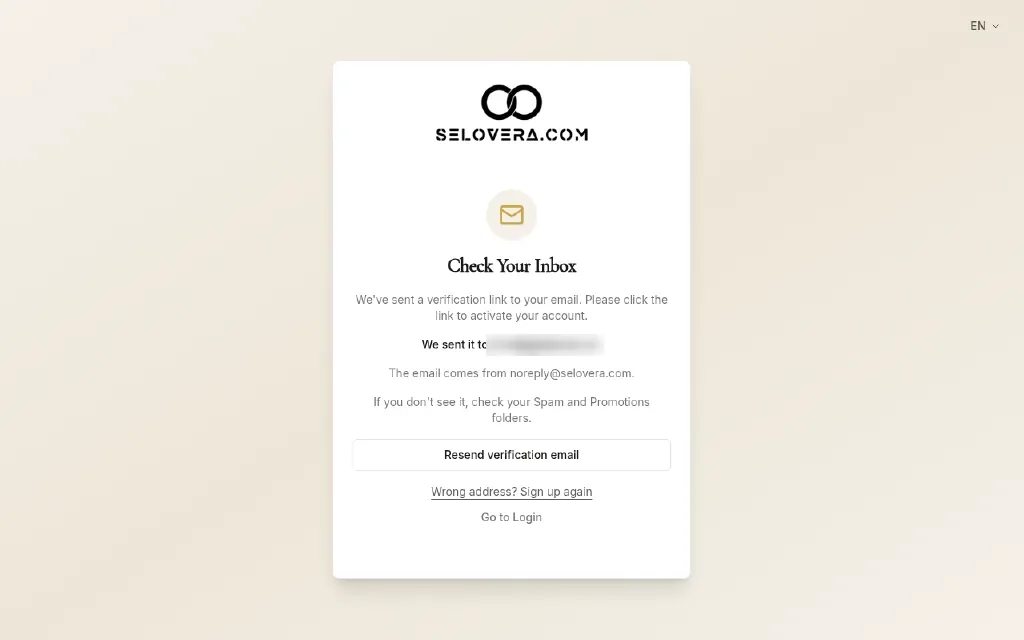
Confirm-your-email screen
Tips
- Building your invitation is free. You only pay €79 once, when you're ready to publish and send it.
- Example texts and photos carry an EXAMPLE, REPLACE ME badge. Guests never see them on your published invitation.
- Can't find the confirmation email? Check your spam folder.
- Need to go back a step? Click Previous.
Related guides
Open this page in your dashboard
Still stuck?
Write to us at info@selovera.com or use the Contact Support form, and we'll gladly help.