
Help · Getting started
Find your way around the dashboard
After you log in, you land on Overview. It shows where you are, your countdown to the big day, your guest numbers and what's left to do.
1. Look at your Overview.
You'll see the countdown to your wedding, your guest counts and your site status: Not Active until you publish, Live afterwards.
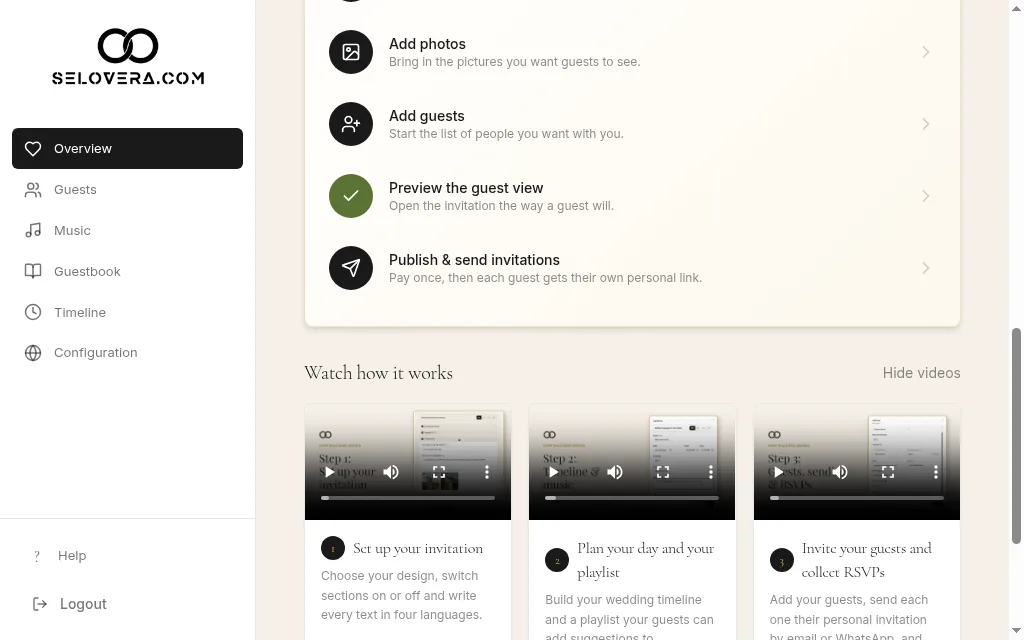
Overview with checklist and videos 2. Follow the checklist.
Finish your invitation shows your progress (for example "2 of 6") through six steps: Pick a design, Personalise your texts, Add photos, Add guests, Preview the guest view and Publish & send invitations. It disappears once everything is done.
3. Watch the short videos.
Under Watch how it works, three tutorial videos show each part of the dashboard. Click Hide videos if you don't need them.
4. Use the sidebar menu.
Guests, Music, Guestbook, Timeline and Configuration are where you build everything. Help opens these guides, and Logout signs you out.
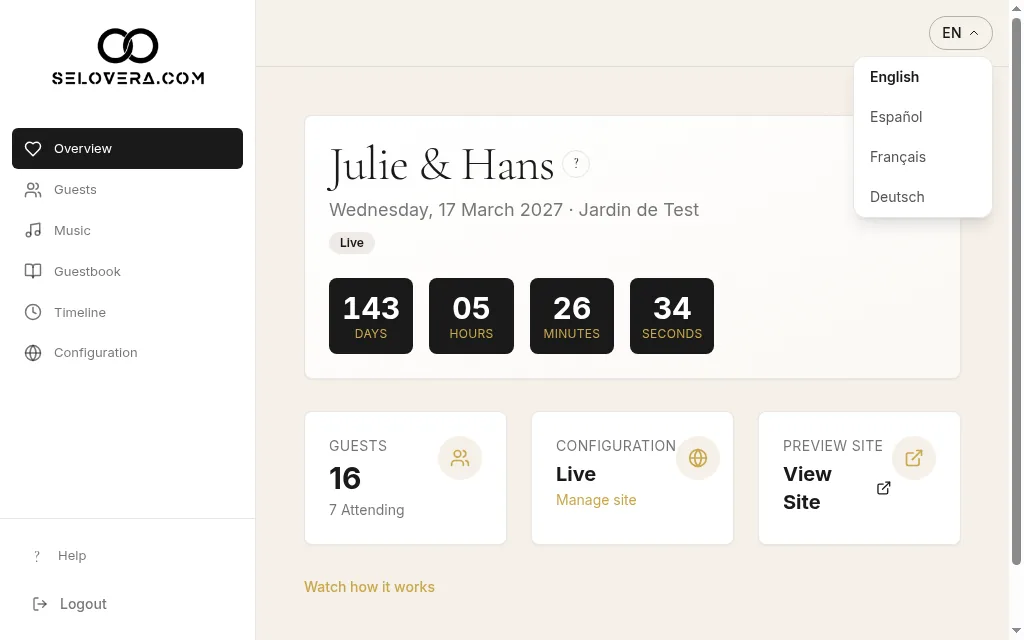
Sidebar menu and language switcher 5. Choose your dashboard language.
Use the language switcher in the header to change the dashboard language. It changes straight away.
Tips
- Start with Configuration: that's where you set up your design, texts and photos.
- Nothing reaches your guests until you publish and send your invitations.
- Before you publish, the tutorial videos are shown in full. Afterwards they're folded away: click Watch how it works to open them again.
Related guides
Open this page in your dashboard
Still stuck?
Write to us at info@selovera.com or use the Contact Support form, and we'll gladly help.