
Help · Publish and share
Share your invitation links
Your invitation has one public address, and each guest also gets their own personal link. For invitations, use the personal links.
1. Find your public link.
Your public page is selovera.com/weddings/your-link, for example selovera.com/weddings/julie-hans. Open it with View Site on Overview.
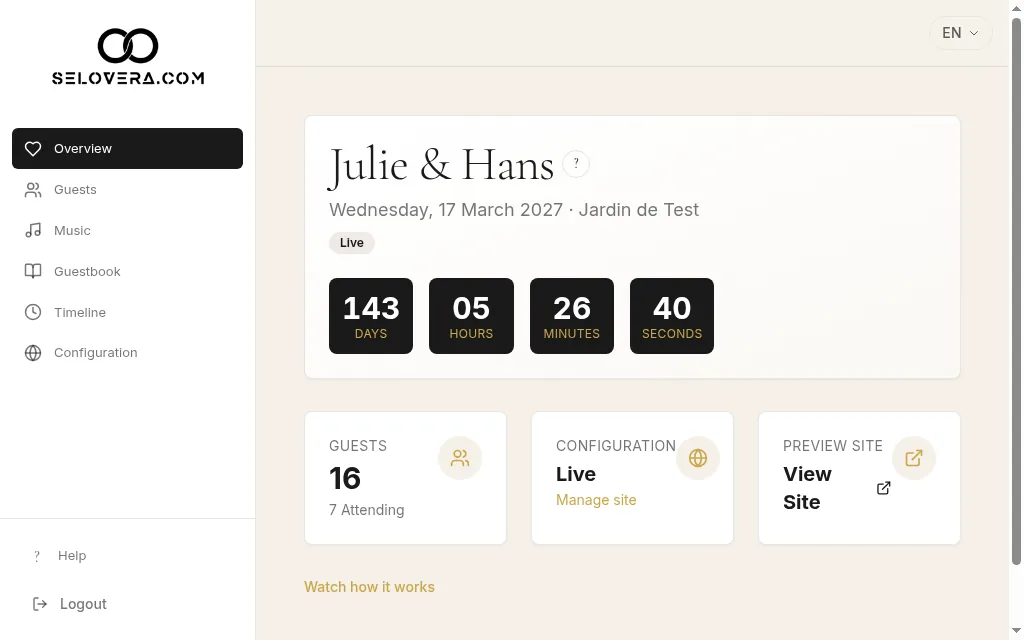
Overview with View site link 2. Copy a guest's personal link.
On Guests, click Copy invite link next to the guest. You'll see "Link copied".
3. Share it.
Paste the link into a message, or send it straight away with Invite via WhatsApp or Send Email Invitations.
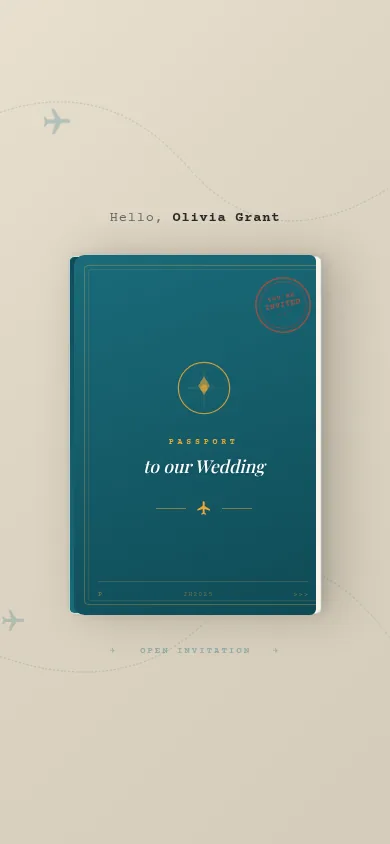
Invitation opened from a personal link, phone view
Tips
- With a personal link, the guest's name and language are already filled in, and their reply is linked to their place on your guest list.
- Personal links and the sending buttons appear once you've paid the €79 to publish your invitation.
- You choose the end of your public link in Configuration › Design › URL Slug.
Related guides
Open this page in your dashboard
Still stuck?
Write to us at info@selovera.com or use the Contact Support form, and we'll gladly help.