
Help · Your invitation site
Add dress code, gifts, hotels, shuttle and contact
Answer your guests' questions before they ask. All of these sections are in Configuration › Content, and each one is optional.
1. Add a dress code and gift registry.
Expand Dress Code and describe the expected attire. Then fill in Gift Registry Info. Leave either one empty to hide it.
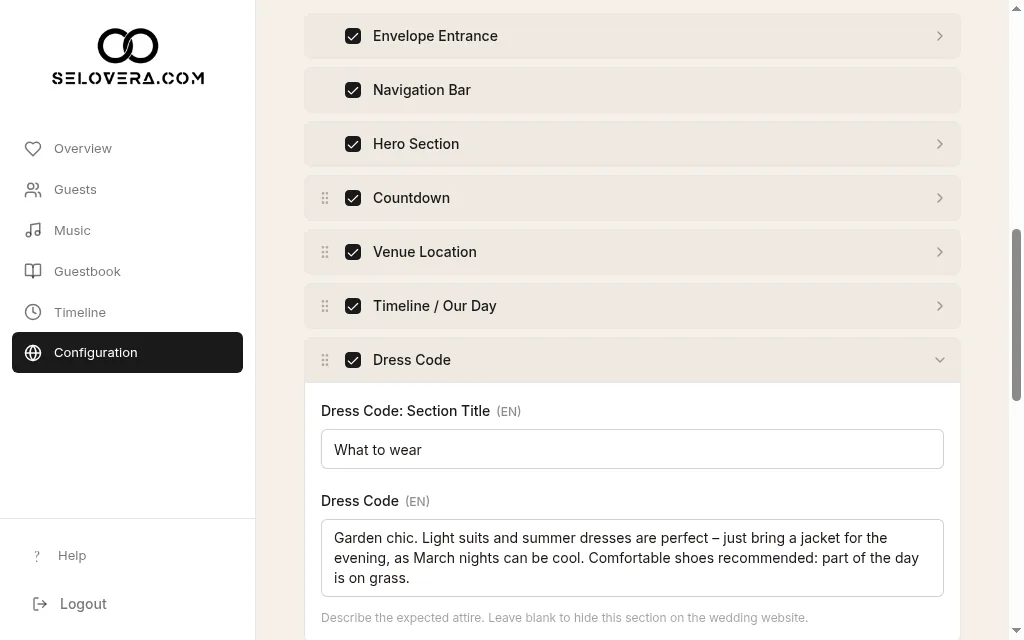
Dress code expanded 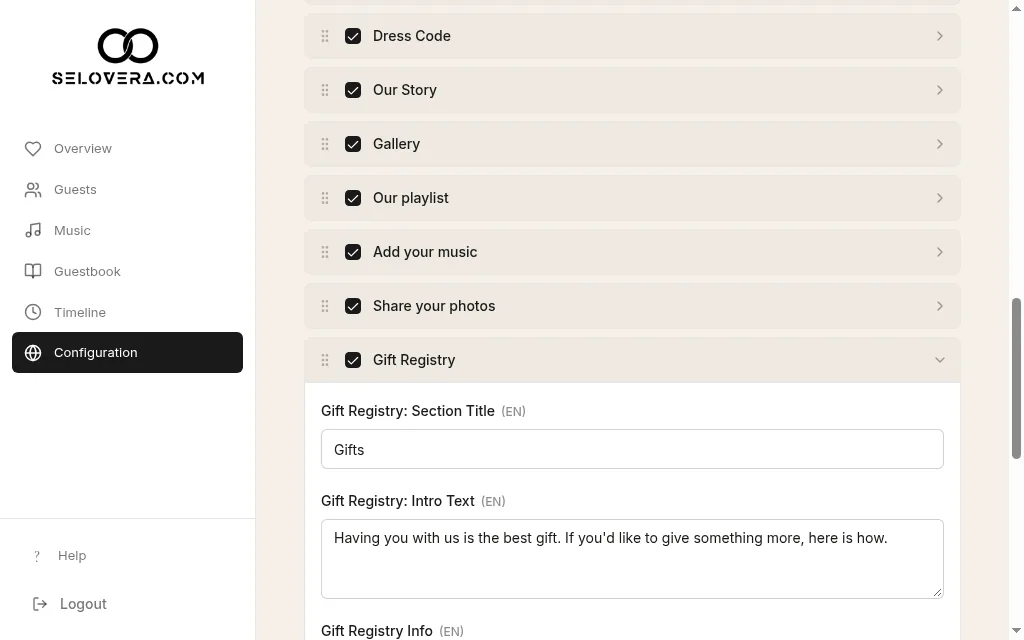
Gift registry expanded 2. Recommend hotels.
Expand Hotel Recommendations and add the hotels you suggest to your guests.
3. Add shuttle bus details.
Under Shuttle Bus, write a note in Shuttle Bus Info. It's shown just before the RSVP form.
4. Ask about the shuttle in the RSVP form.
Fill in Shuttle Bus Question and add the choices with Add option under Answer options. Guests then pick an answer from a dropdown when they reply.
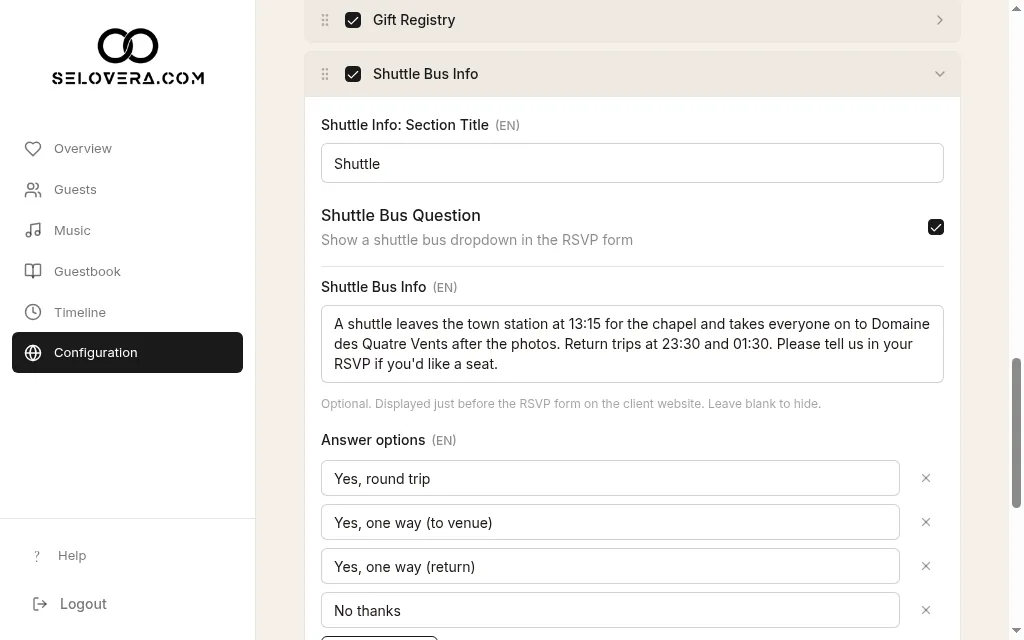
Shuttle question with answer options 5. Add your WhatsApp numbers.
In the WhatsApp Contact section, enter the Bride and Groom numbers with the country code. Fill in both and guests see two buttons; fill in one and they see a single button.
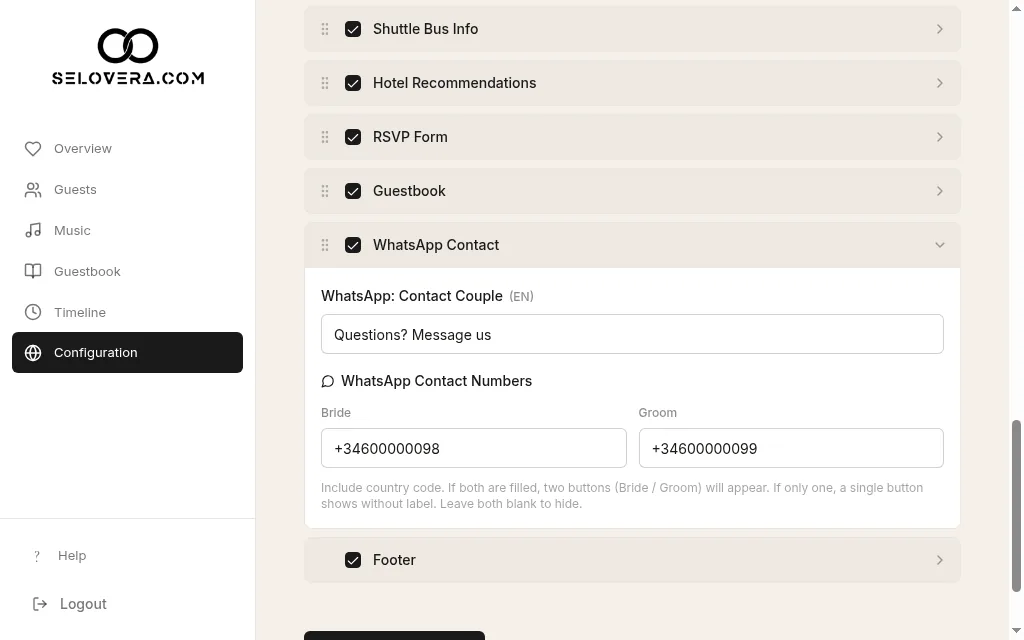
WhatsApp contact numbers 6. Save.
Click Save Website Settings at the bottom of the page. Changes are not saved automatically.
Tips
- Write each text in all your languages with Editing language for text fields:.
- Guests' shuttle answers come with their reply in RSVP Approvals.
- Make sure each section you want is ticked in the section list.
Related guides
Open this page in your dashboard
Still stuck?
Write to us at info@selovera.com or use the Contact Support form, and we'll gladly help.